
How to Check Criminal History in Twin Falls
Start with the agency that created the record. TFPD handles city incident reports. The county sheriff holds booking and release records. Filed allegations appear through the county Magistrate Division and Idaho iCourt, not a separate city court portal. Idaho BCI supplies the broader Idaho-only repository check.
- Check TFPD Police-to-Citizen for an eligible report.
- Submit the required city form when self-service does not supply the report.
- Review county Arrest/Release and Headcount reports after an arrest.
- Search iCourt for filed charges, hearings, and disposition.
- Use official BCI name or fingerprint channels for an Idaho repository history.
Three Twin Falls Arrest Records
One Twin Falls arrest can produce three distinct records. TFPD's report describes the investigation and alleged conduct. The county booking entry documents custody, hold, and release action. The iCourt file begins only after a charge is filed. None can replace another.
They also change at different times. A police allegation may be amended. A release reason explains why custody ended, not how a charge ended. The final court entry is the best source for each filed count. Match birth dates and case numbers before treating a shared name as the same person.
| Record | Custodian | Purpose |
|---|---|---|
| Police report | TFPD Records | Officer documentation |
| Booking | County Sheriff | Custody action |
| Court case | Clerk and iCourt | Filed charge and outcome |
The Twin Falls Police Department
The Twin Falls Police Records Bureau has a supervisor, eight full-time specialists, and three part-time specialists. It processes reports, citations, warrants, subpoenas, fingerprint cards, and requests. Identify the incident date, location, number if known, and exact portion needed.
The bureau is at 356 Third Avenue East, Twin Falls, ID 83301. Call 208-735-4357 or email records@tfid.org. The counter operates Monday through Friday, 8:30 a.m. to 4:30 p.m. Precise facts help staff locate and redact the right file.
TFPD Records Bureau
356 Third Avenue East
Twin Falls, ID 83301
208-735-4357
The official TFPD Records Bureau page identifies the city office responsible for these Twin Falls police files.
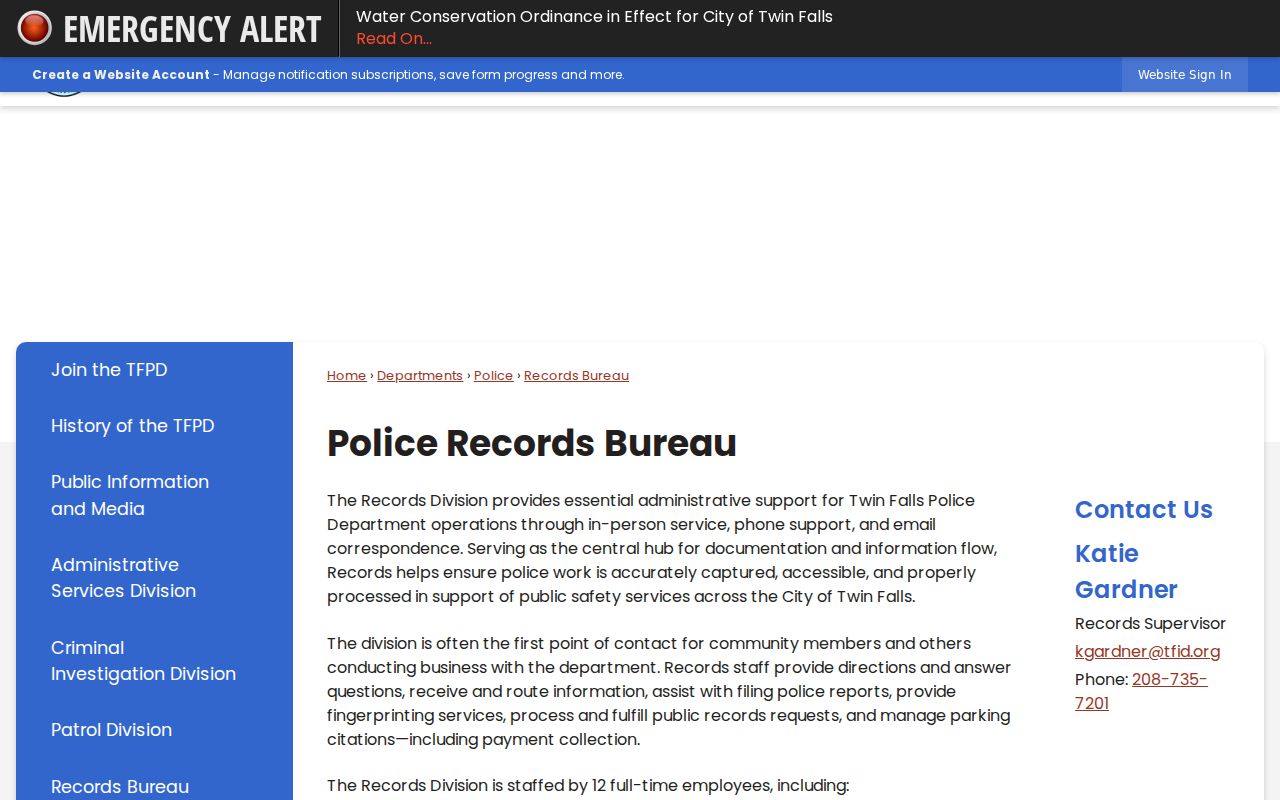
That office remains the correct fallback when the self-service portal cannot provide an eligible report or when a requester needs a reviewed copy.
Twin Falls Police-to-Citizen Portal
The official Police-to-Citizen interface gives self-service access to eligible reports. It does not imply that every Twin Falls investigation appears online.
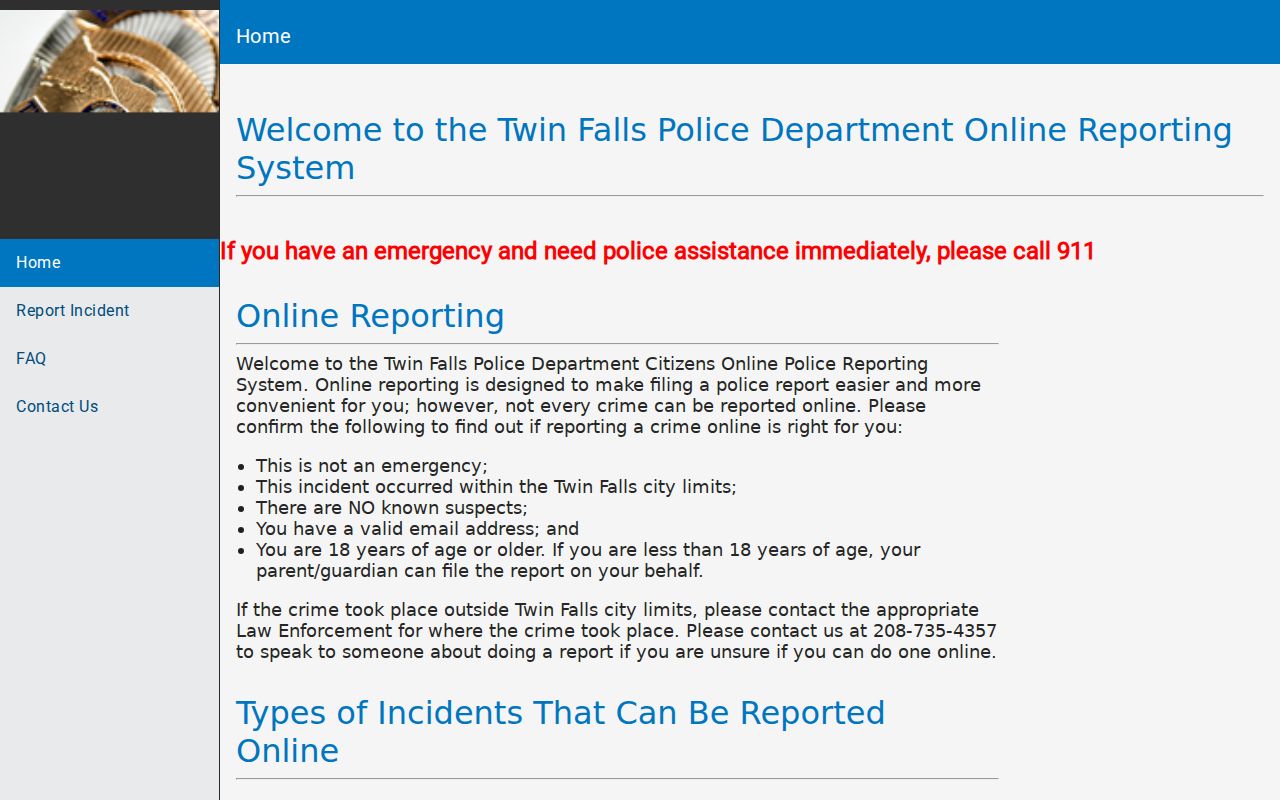
Open matters, protected facts, and reports needing review can still require a Records Bureau request.
Arrests and Bookings in Twin Falls
TFPD arrests book into the Twin Falls County jail. The sheriff's weekday report hub publishes Arrest/Release, Headcount, Arraignments, and warrant files. Arrest/Release shows custody actions. Headcount is a snapshot. Arraignments is only a schedule lead.
Weekend and holiday activity can lag. A missing name does not prove no arrest occurred. Call the jail at 208-734-9090 when timing matters, then check iCourt if prosecutors filed a case.
Twin Falls Records Request Route
The city's online public-record form is the formal route for reports Police-to-Citizen does not supply.
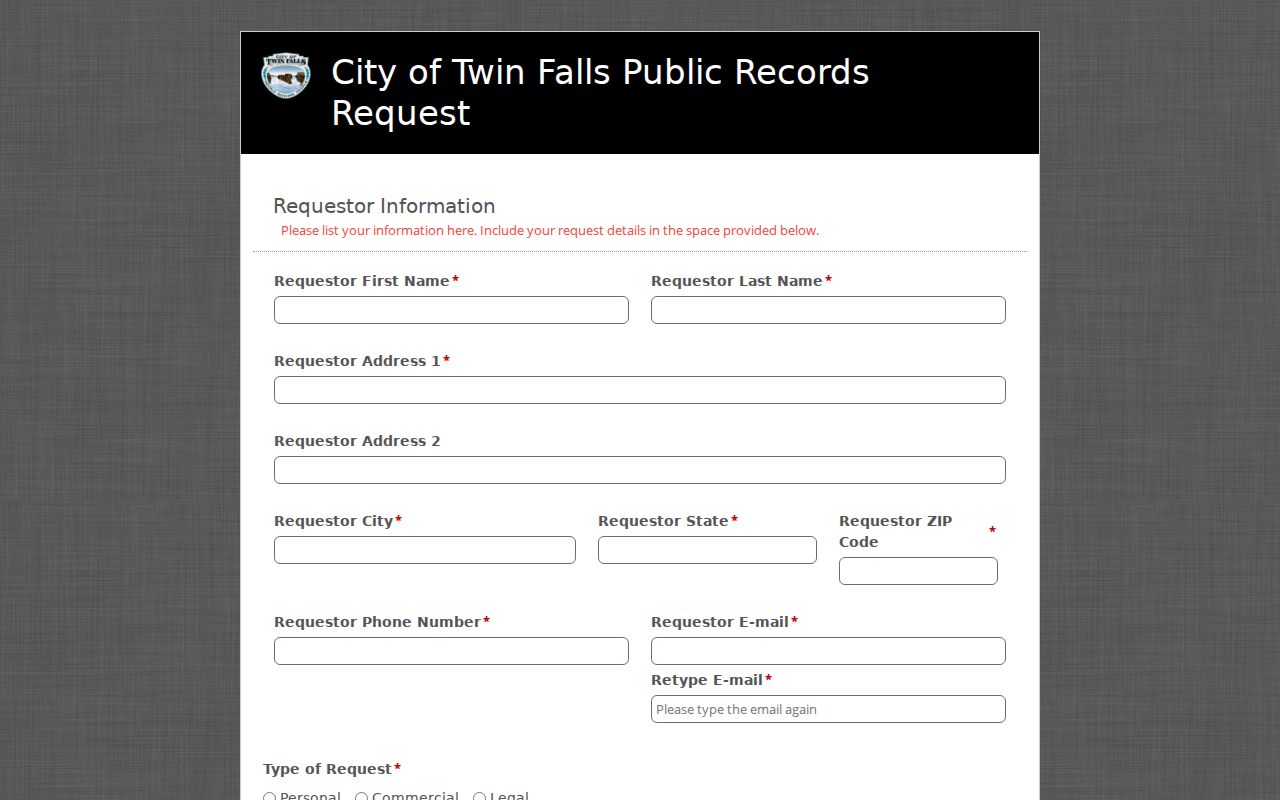
Give the incident number, date, location, involved roles, and exact part needed. Idaho's normal response begins within three working days, with written notice if more time is required.
Twin Falls Municipal Court Records
Twin Falls has no standalone municipal court database. City misdemeanor and traffic allegations route through the Twin Falls County Magistrate Division. Search Idaho iCourt, call 208-736-4025 for procedure, or ask the filing clerk for a document.
| Court Name | Twin Falls County Magistrate Division |
|---|---|
| Case Types Heard | Misdemeanors, infractions, traffic, and preliminary felony matters |
| Case Lookup Channel | iCourt, courthouse kiosk, or filing clerk |
| What the Docket Shows | Charges, events, orders, disposition, and sentence when public |
| Copies & Fees | Confirm format, certification, and current cost with the clerk |
Unfiled Twin Falls Police Reports
The City Attorney decides whether a city allegation is filed. An arrest or report does not guarantee a court case. If prosecutors decline charges, iCourt may show nothing. The City Attorney FAQ directs people seeking the underlying report back to TFPD.
Use the police incident number for a report and the court case number for filed proceedings. Never infer a final outcome from an old allegation. Read the disposition for each count.
Where Twin Falls Records End Up
TFPD retains the investigation. County detention staff create the booking file. The clerk keeps the filed case, and qualifying outcomes later reach Idaho BCI. Each office updates on its own schedule.
Record flow: Twin Falls PD › Twin Falls County Courts › Idaho State Police Bureau of Criminal Identification
Use TFPD for the narrative, the sheriff for custody, iCourt for the case, and BCI for an Idaho-only repository history. Check a missing BCI disposition with the originating court or agency.
Twin Falls City Check Limits
The city's records-check authorization covers only incidents in city systems. It also warns that an old computer problem prevents guaranteed full disclosure. This narrow Twin Falls check cannot replace BCI or county court records.
Use it for neutral self-review, then compare iCourt and BCI when an outcome matters. A county booking may stem from another agency, so the sheriff report is broader than TFPD alone.
Twin Falls Police Records History
The official TFPD history dates the department to April 25, 1905, soon after Carey Act irrigation shaped the city. Police and fire leadership were combined in March 1984.
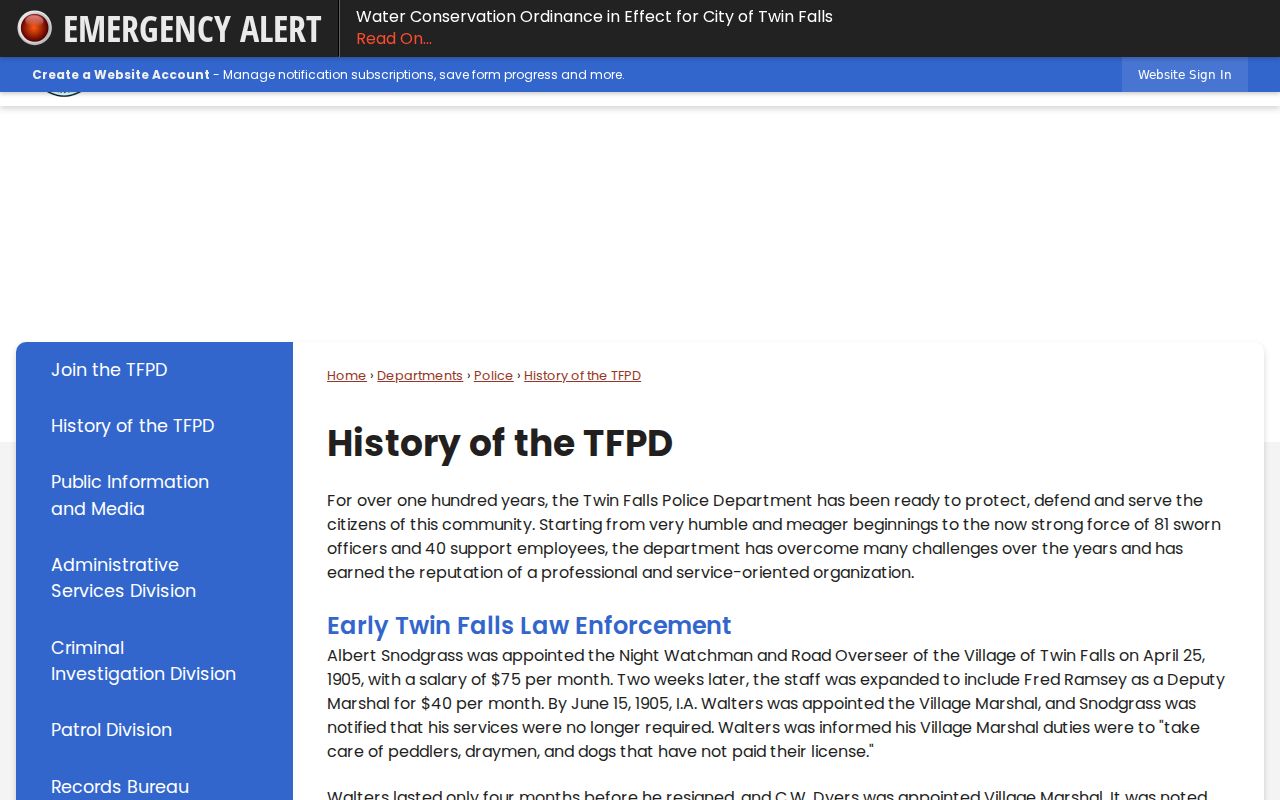
Modern records now divide among a city bureau, county jail, county courts, and state systems, far beyond the city's early night-watch structure.
Troubleshooting Twin Falls Criminal Records
A blank portal result needs a second step, not a quick conclusion. Police-to-Citizen may omit an open or protected Twin Falls report. The county jail files update on a weekday schedule and can lag after a weekend or holiday. iCourt will not contain a matter until a prosecutor files it. Older court documents may also require a courthouse kiosk or a targeted clerk request even when the docket is visible online. Note which system was checked, the date of the check, and the identifiers used before moving to the fallback channel.
When Police-to-Citizen has no report, submit the city form with the incident date, location, involved-party role, and incident number if known. Ask for the exact item needed, such as the narrative, citation, or a specified attachment. The Records Bureau may redact exempt facts or withhold material tied to an active investigation. If no charge was filed, the police custodian remains the source. The absence of an iCourt case does not erase the underlying TFPD report.
For a recent arrest, begin at the sheriff's report landing page instead of saving a dated PDF. Check Arrest/Release for the custody event, then Headcount for continuing custody. Arraignments can supply a case number and tentative time, but court changes may not reach that PDF. Verify the event in iCourt or with the clerk. A person can also be held elsewhere for overcrowding or be temporarily away for treatment, so a physical location and a booking record can differ.
For a complete review of one's own Twin Falls history, compare the TFPD report, county booking material, filed court record, and fingerprint-based BCI history. Look for consistent birth dates, agency references, case numbers, charge changes, and final dispositions. If BCI lacks an outcome, contact the originating court or agency because Idaho's repository depends on later disposition reporting. The city-only authorization is useful but narrow, and its own warning about an old computer issue makes those other official channels essential.
Certification is another reason to use the correct custodian. A portal screen may answer a quick status question, but it is not necessarily a certified copy. Ask the Twin Falls clerk whether the desired order, judgment, or docket needs certification and what the current copy fee is. Ask TFPD Records for police-file certification questions. Keep the response letter with any redacted production because it can explain missing pages or withheld fields. This paper trail also makes a later correction request easier to route.
Twin Falls Record Response Timing
Twin Falls city requests follow Idaho's public-record response framework. The custodian generally has three working days to provide the record, deny the request, or explain that more time is needed. When additional review or collection is necessary, the response window may extend by seven to ten working days. This is a response schedule, not a promise that every requested page will be public. Redaction and exemptions still apply.
A narrow request is easier to process. Name the TFPD incident number when available, give a date and location, identify the person's role without adding unrelated personal data, and specify the document or date range. Asking for a police narrative is different from asking for a court judgment. If both are needed, send each request to its own custodian instead of expecting one Twin Falls office to collect another agency's file.
Court records follow a related but distinct route under ICAR 32. iCourt supplies basic public case data. Courthouse kiosks can provide documents and individual case information that may not render remotely. The filing clerk handles targeted requests and certified copies. Supply the case number, document or event, date range, format, and whether certification is required. Call 208-736-4025 for local procedure or 208-736-4004 for clerk routing.
Older Twin Falls files may be electronic, paper, or archived. If iCourt has no remote document, ask where the filing is stored rather than concluding it does not exist. Protected identifiers, juvenile and victim facts, presentence reports, and sealed material remain restricted. A sealing order itself stays public. For a count marked dismissed, read the rest of the case because dismissal of one count does not decide another.
Public Access Rules for Twin Falls Records
The Idaho Public Records Act governs city police requests, while ICAR 32 controls court files. Active investigations, victim and juvenile facts, personal identifiers, sealed records, and protected reports may be withheld or redacted. A denial should state its legal basis.
Key Statutes:
Idaho Public Records Act sets the city-agency request process.
Idaho Court Administrative Rule 32 controls court access and sealing.
Idaho Code section 67-3008 governs BCI disclosure and redisclosure.